Documents Where the Deal Lives
LOIs, leases, surveys, environmental reports — every deal has dozens of documents. The Document Library keeps them organized, versioned, and shareable, with documents scoped to the right location, project, or portfolio.
Why Document Management Fails
Shared drives were not designed for deal workflows.
Folder chaos
Every analyst organizes folders differently. Finding anything is a treasure hunt.
No versioning
Multiple copies of the same doc, no way to know which is current.
No deal context
A PDF on a shared drive has no awareness of the deal it belongs to.
What MYDealTeams Does
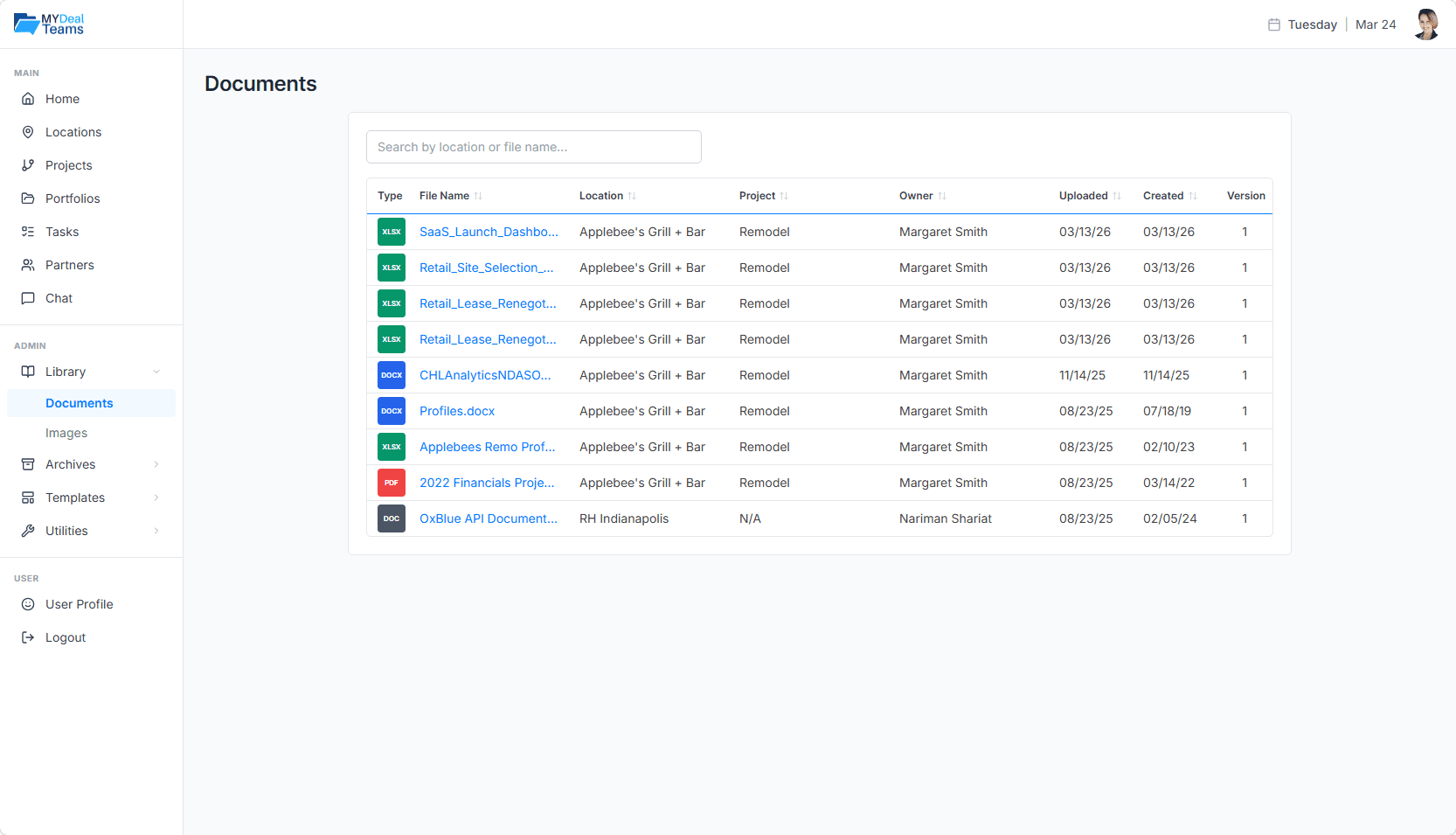
Documents are scoped, versioned, and connected to the deal.
Multi-scope documents
Attach documents to locations, projects, portfolios, or the global library.
Version history
Every upload preserves prior versions — roll back, compare, or audit.
In-platform preview
Preview PDFs and common formats without download.
Categorization
Tag documents (LOI, Lease, Survey, Environmental) for fast filtering.
Search across the library
Full-text and metadata search to find the doc when you need it.
Access control
Documents inherit access from the deal — partners see only what they should.
How Teams Use It
Due diligence files
Keep every DD document on the deal — and only the deal.
Lease document repository
Centralize executed leases with searchable metadata.
Cross-deal references
Pull lease boilerplate from the library into a new deal.